
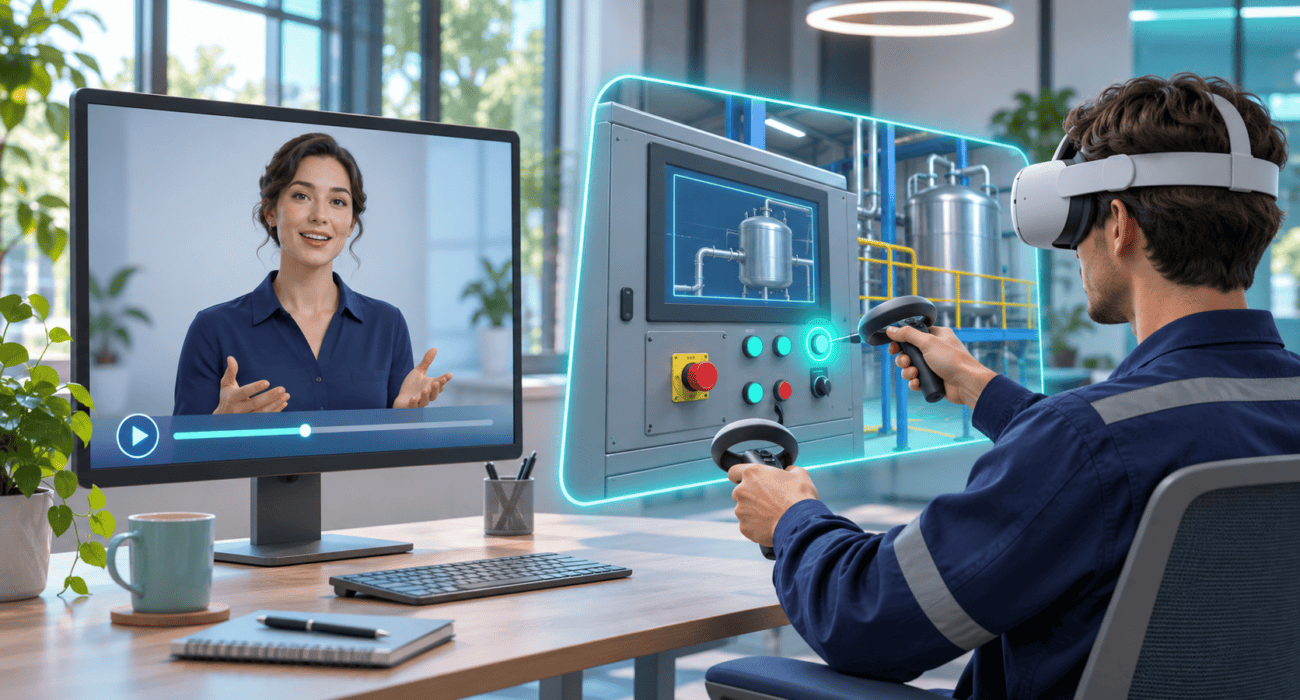
Your company needs to teach a procedure. You could turn it into a video with a digital presenter, let employees ask an avatar questions, or build a scenario where they have to make decisions.
All three can contribute to training. The choice depends on what people need to do afterward: recognize information, clarify a doubt, carry out a sequence or respond to an unexpected situation.
Tools such as HeyGen have made AI avatars available to learning teams. Interactive simulations offer another way to practice within an environment built for learning. Choosing between them starts with the skill you need to develop, before you select the technology.
What an AI avatar can bring to training
An avatar video presents information through a digital character and generated voice. According to its learning and development platform, HeyGen provides tools for producing and localizing training materials using resources such as presentations, documents and scripts.
Potential uses include welcoming new employees, explaining products or communicating a procedure update.
When assessing this option, ask:
- Will the content change frequently?
- Do different roles or languages need separate versions?
- Is watching an explanation enough to meet the objective?
- Who will check the script before it is distributed?
The presenter’s appearance matters, but so does the quality of the information. An unclear procedure remains unclear even when a convincing avatar delivers it.
Conversational avatars are another option
HeyGen also offers LiveAvatar, a technology for real-time conversations that can be integrated into websites and applications.
That creates additional possibilities: a character can answer questions or take part in a conversation exercise. The important question is what kind of interaction the training requires. Discussing a procedure and carrying it out in a scenario involve different activities.

What an interactive simulation adds
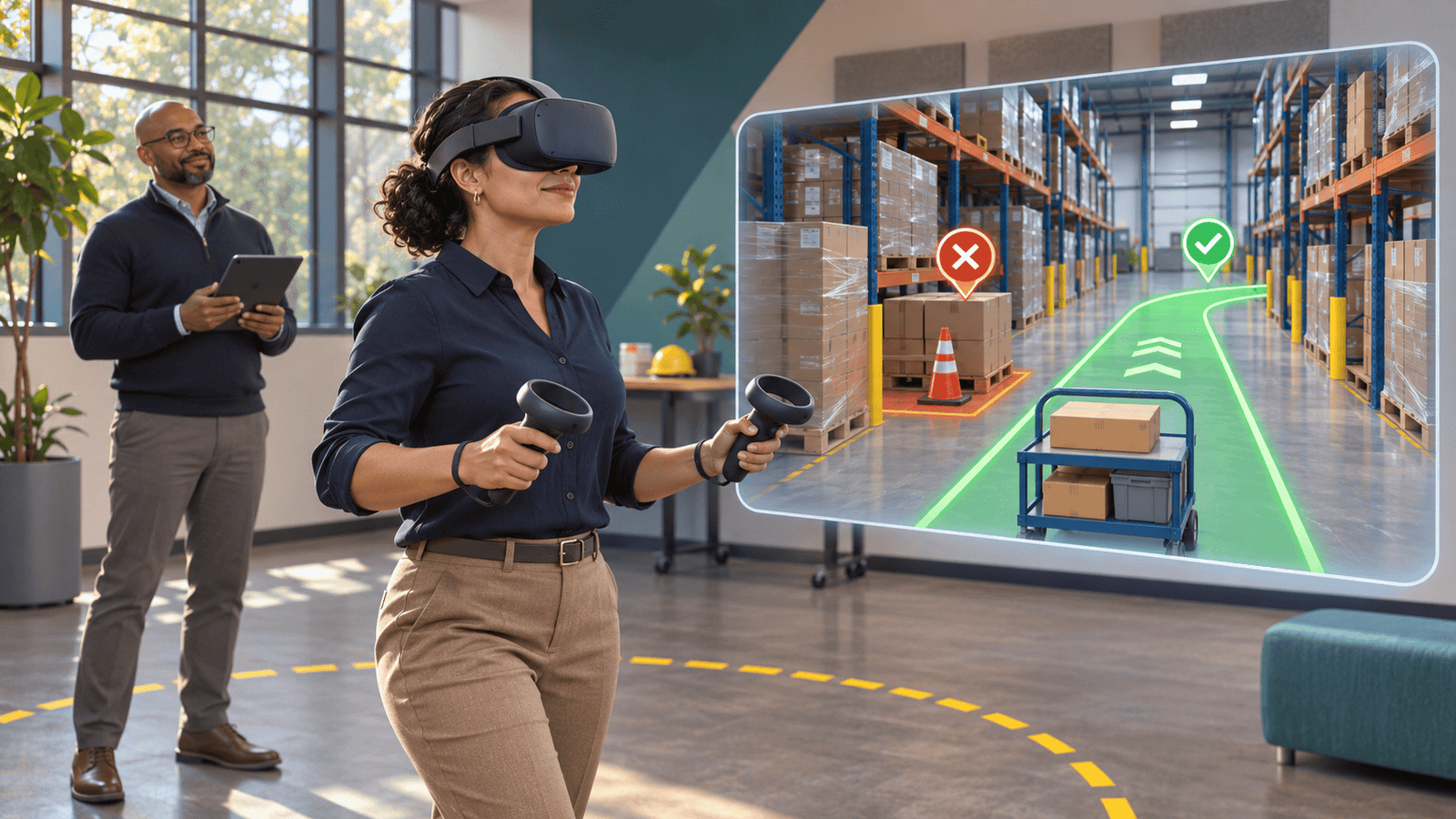
In a simulation, learners act on a situation. They might select objects, choose a sequence, identify a problem or decide how to respond. The system can record those actions and provide feedback based on its designed rules.
The useful connection is between a decision and its consequences. An exercise could show which step was missed and allow another attempt, rather than simply displaying an incorrect-answer message.
A headset is not required for every project. Depending on the task, the experience might run on a computer, use branching decisions in a browser or place the learner inside an immersive virtual environment.
When to consider virtual reality
VR is worth evaluating when spatial awareness and physical interaction are part of the objective: navigating an environment, locating objects or practicing a sequence in context.
Practical requirements also matter, including equipment, accessibility, comfort, control familiarization and support. If a simple screen-based activity can assess the same skill, starting there may be a sensible choice.
An example of recognizing a suspicious email
Consider a cybersecurity training exercise. This is a hypothetical design example, not a client case study.
An avatar video could introduce warning signs, such as an unexpected sender or an urgent request for credentials.
A conversational avatar could let the learner ask why a particular detail is suspicious. Its answers should draw on approved information and stay within clear boundaries.
A simulation could present a fictional email and ask the learner to inspect it, then decide whether to open a link, contact support or report the message. Feedback would explain the decision.
These components can work together. The video introduces the subject, conversation addresses questions, and practice reveals how the learner applies judgment.
Choose the learning activity before the tool
Before requesting a proposal, complete this sentence: “By the end, the learner will be able to…”.
Then define:
- The expected action. Explain a policy, identify a risk or perform a procedure.
- The mistake you need to observe. Confusing concepts, skipping steps or choosing an inappropriate response.
- The evidence of performance. A reasoned answer, a correct sequence or a completed task.
- The delivery conditions. Devices, connectivity, accessibility and available time.
- The maintenance plan. Who will update the content, rules and assessments?
If the goal is to communicate consistent information, begin by evaluating video. If people need to practice a conversation, consider a conversational experience. If they must act on objects, conditions or consequences, investigate simulation. A combination may be the best fit.
How to tell whether training works
Finishing a video, enjoying an experience and improving a skill are different outcomes. The CDC recommends assessing both learning and its application in the workplace, using before-and-after assessments where feasible and later follow-up.
VR does not guarantee better learning on its own. A 2025 pilot study involving 32 participants examined the sequence of personal protective equipment use. It found comparable memorization results for VR and video, while VR received better usability ratings. That finding applies to a particular task and does not establish universal superiority.
For a business pilot, we recommend agreeing in advance on what to measure: critical errors, missed steps, requests for help or performance on a comparable task. Satisfaction can complement those measures.
Checks to make before using AI
If an avatar represents a real person, confirm permission to use their likeness and voice. HeyGen requires a consent video when creating a video-based Digital Twin.
We also recommend:
- Using fictional examples instead of customer or employee data.
- Having a process owner review the material.
- Checking translations, captions and technical terms. HeyGen provides video translation, but the final content still needs review.
- Defining what an assistant should do when it cannot answer reliably.
- Clearly identifying AI-generated content.
From explanation to practice with FRYOS
At FRYOS Studios, we develop VR simulations and interactive experiences for businesses. Game development provides ways to structure decisions, goals and feedback within a training activity.
Our recommendation is to start with one specific skill and a focused pilot. That gives you a way to assess the format before expanding the project.
Does your team need to understand a procedure or practice carrying it out? Tell us what people need to learn and where they will use the training.
Contact: info@fryosstudios.com